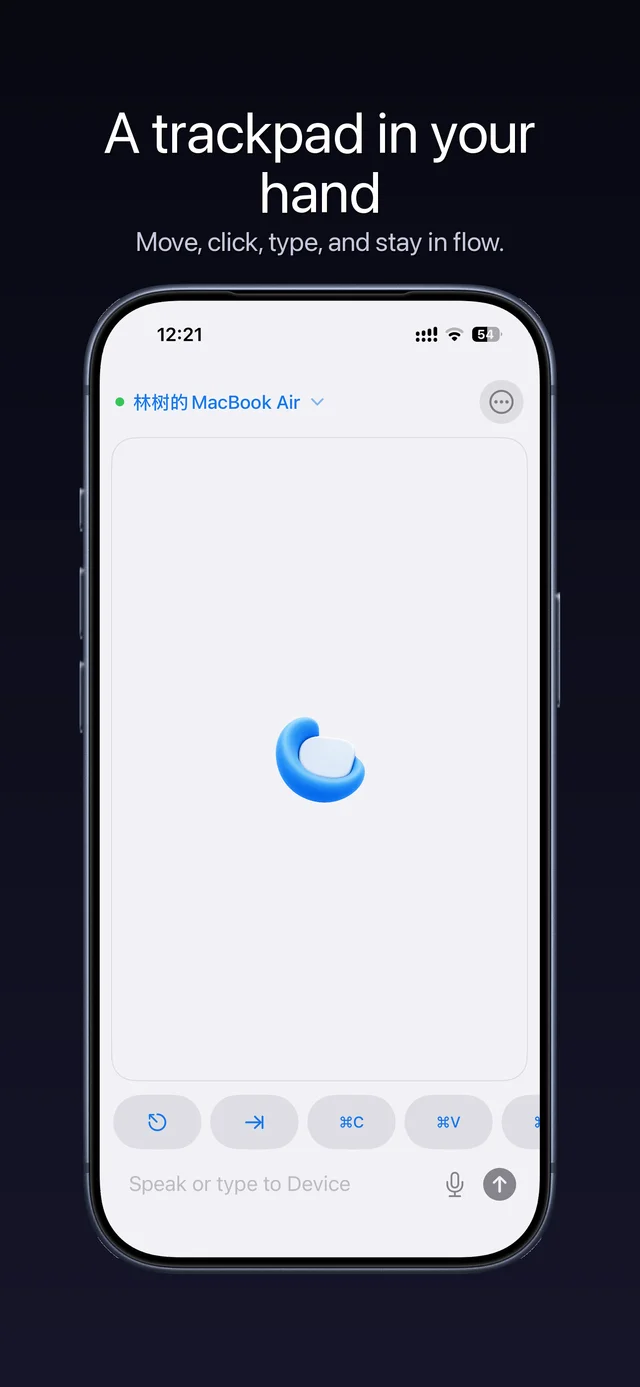
Trackpad + typing
Swipe. Your cursor follows.
 Sofable
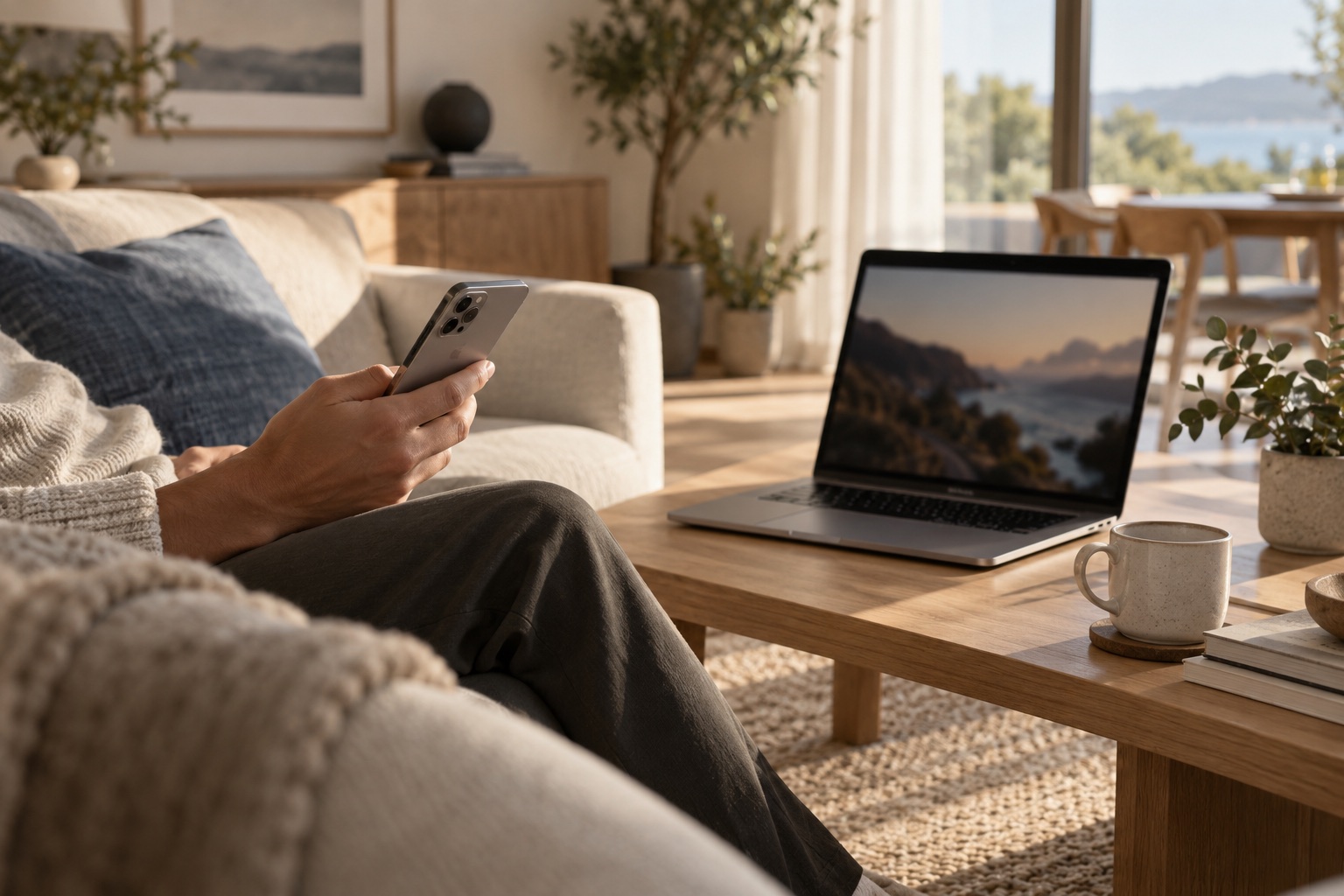
Your iPhone is a trackpad, keyboard and remote.
macOS 14+ · iPhone app required · App Store release pending
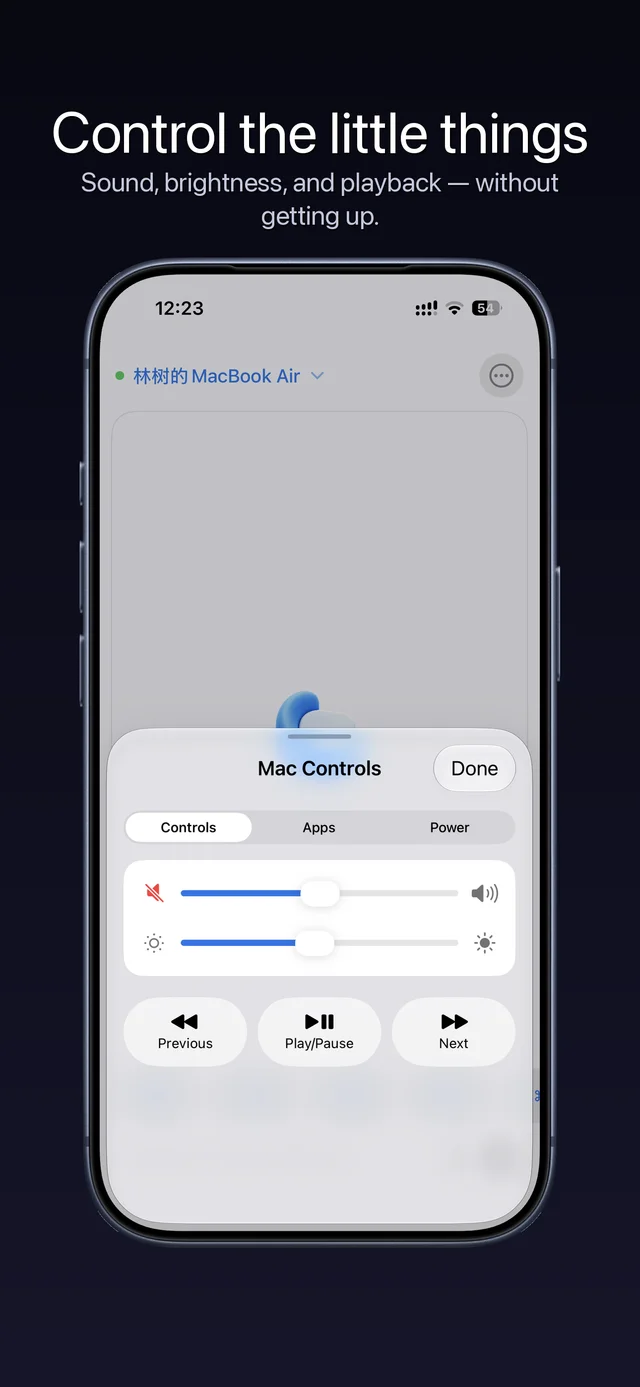
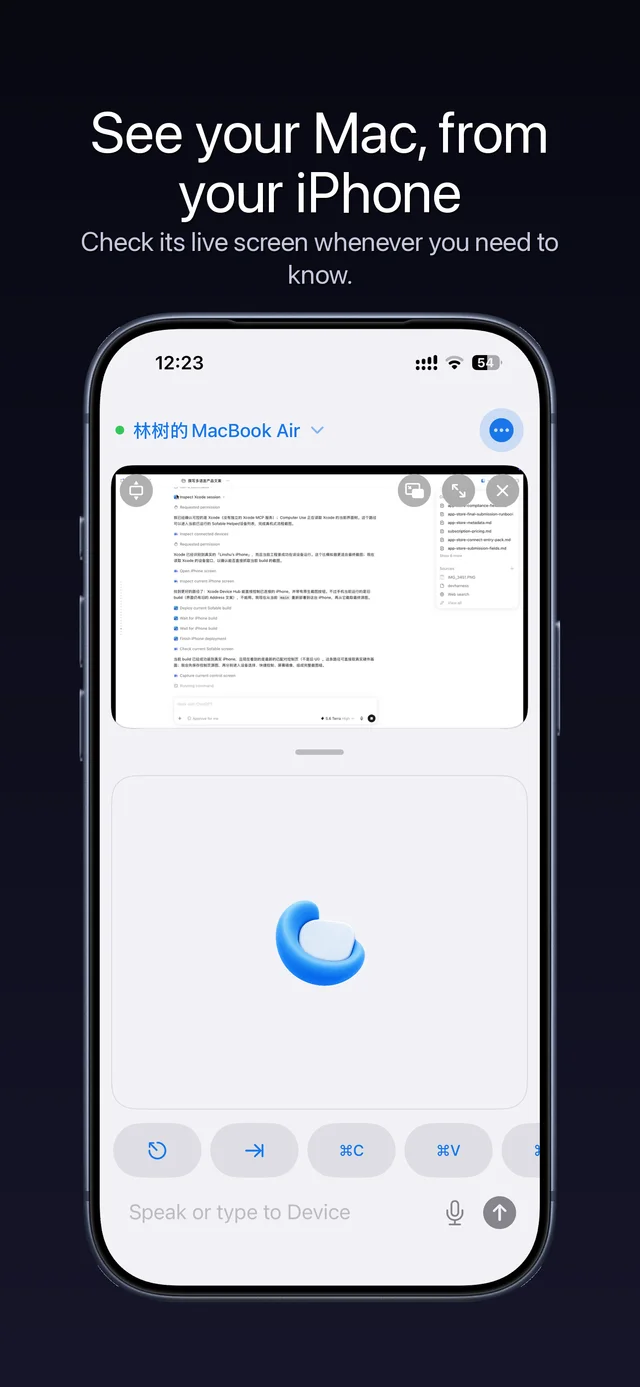
Existing-version screenshots. Features and layout depend on the current app.
See pricing and allowance in the app.
First pairing requires the same network; remote use requires the Mac to stay awake, running Sofable and connected to the Internet.
Yes. You need the Mac and iPhone apps. The iPhone app is not publicly available yet.
Trackpad and typing on the local network are free. Playback, volume, screen mirroring and access across networks require Pro. See pricing and allowance in the app.
Requires your Mac to be awake, connected to the Internet, and running Sofable. Connection is not guaranteed during sleep or when the lid is closed.
Unzip the Mac download and move the app to Applications. Allow Accessibility when prompted; mirroring also needs Screen Recording. Enter the pairing code on the same network for the first connection.
macOS 14+ · iPhone app required · App Store release pending